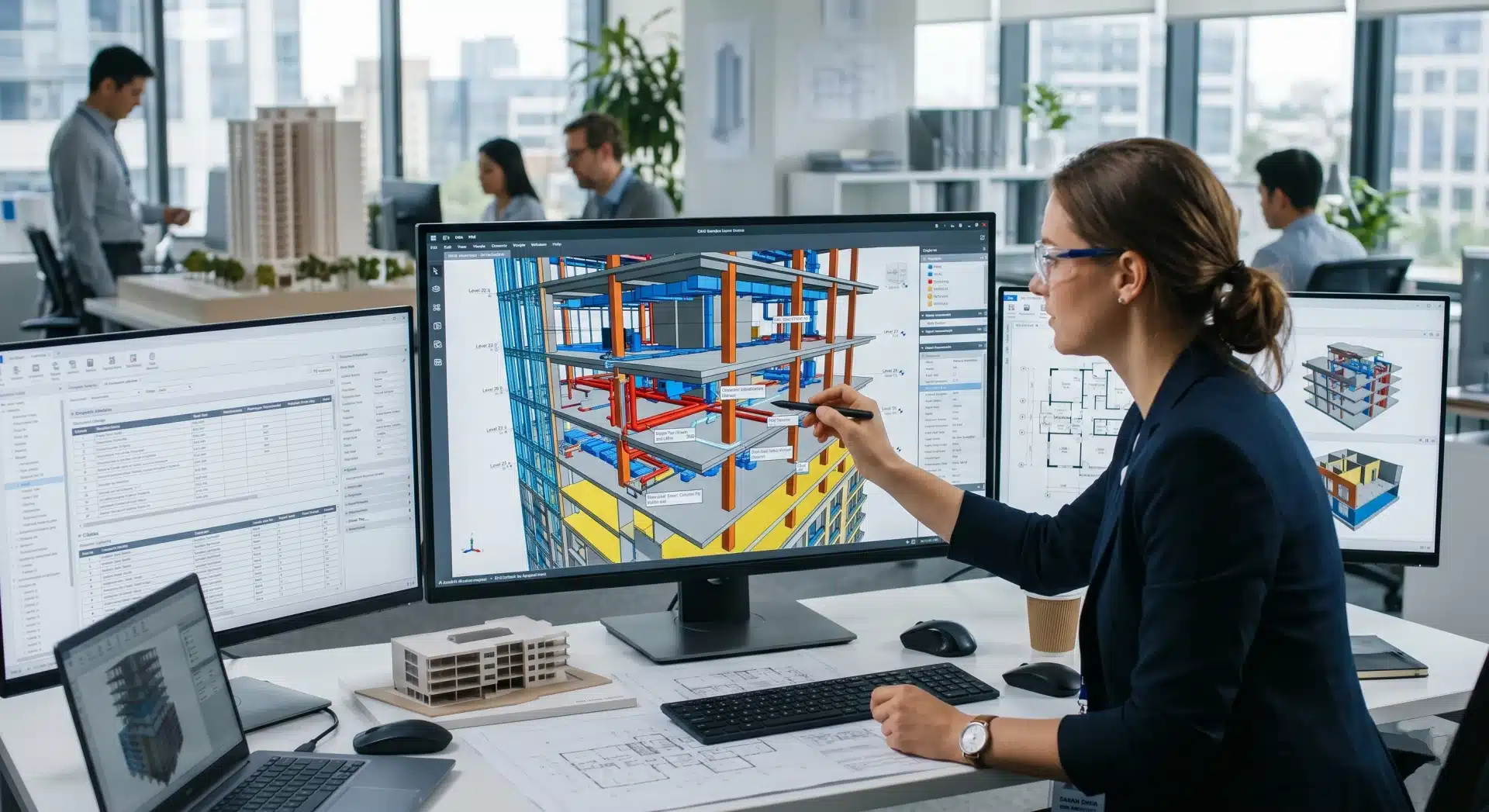
On a complex construction project, the difference between a smooth build and a costly variation often comes down to whether MEP services, structural elements, or architectural components occupy the same space in a 3D BIM or scan-to-BIM model before they conflict on site.
That’s exactly what the clash detection process is designed to prevent.
What is a Clash Detection?
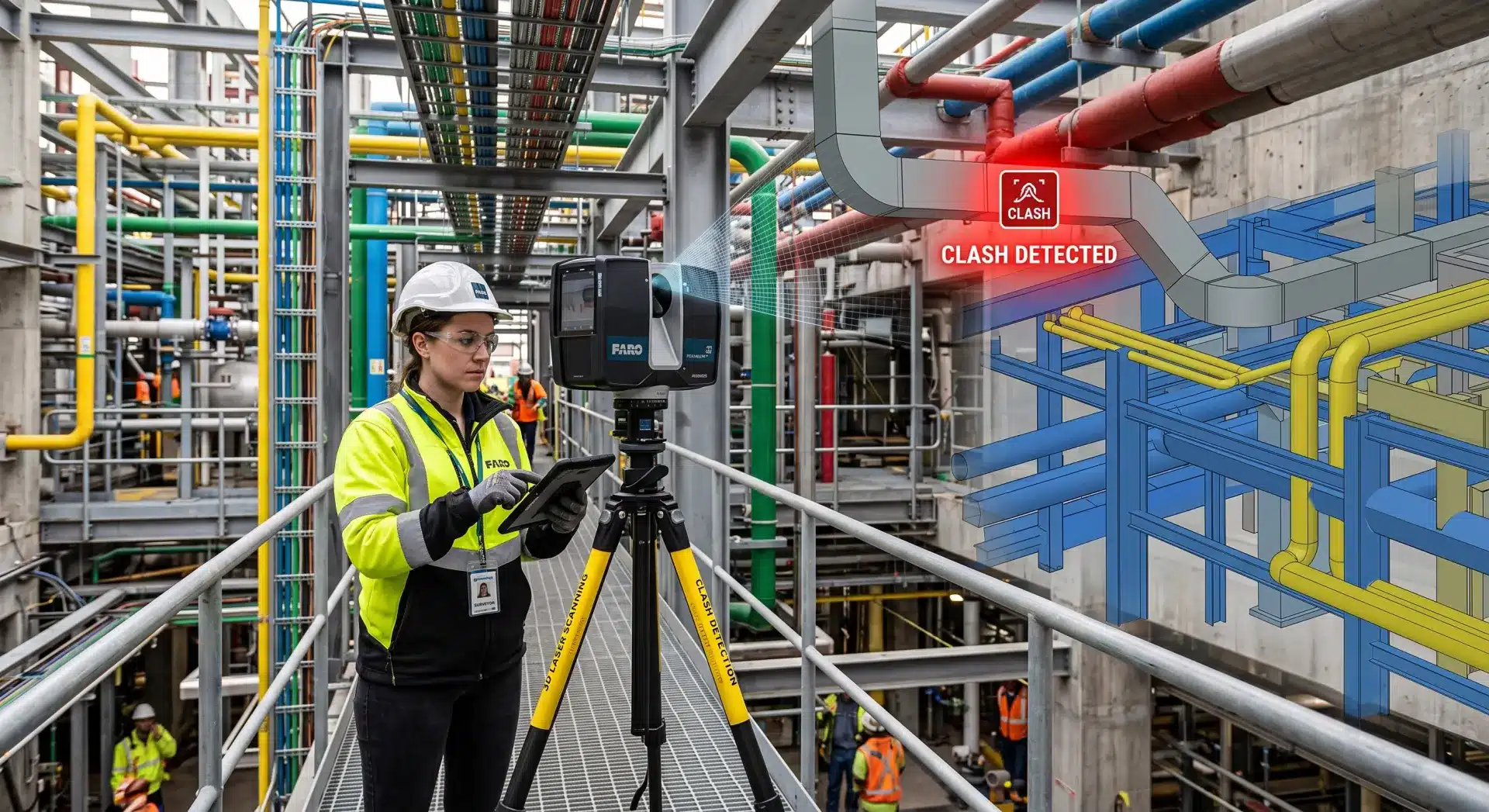
What is a clash detection in practice? It’s the automated process of analysing a BIM model, or multiple federated models, to identify where building elements physically conflict with one another, such as:
- A duct that runs through a structural beam
- A pipe that intersects a column
- A wall that overlaps with a service riser.
Any point where two components occupy the same space, or come dangerously close to doing so, is flagged as a clash.
If you’re asking what a clash detection report is in a project context, it’s a structured log of every identified conflict – complete with location, affected elements, and screenshots – that coordination teams use to drive design resolution.
The clash detection process doesn’t replace engineering judgement, it systematises it. Rather than relying on individual reviewers to manually cross-reference drawings across disciplines, software like Autodesk Navisworks runs automated checks across thousands of elements simultaneously, producing a prioritised report of conflicts that need resolution before construction begins.
Without it, those conflicts get resolved on site, which is exponentially more expensive.
The Three Types of Clash in BIM
BIM clash detection identifies three distinct categories of conflict, each with different implications for your project.
Hard clashes
These are the most critical. Two elements physically intersect, for example, an HVAC duct running directly through a structural beam. These cannot exist as modelled and must be resolved before fabrication or installation.
Soft clashes
This clash type occurs when elements don’t physically overlap but violate required clearances, for example:
- A pipe running too close to an electrical cable tray
- A duct with insufficient maintenance access
These are operational conflicts that don’t show up in a hard geometry check but create real problems during construction and commissioning.
Workflow (or 4D) clashes
In sequenced construction models, a workflow clash occurs when two activities that require the same space are scheduled to happen simultaneously. A crane path that conflicts with a concrete pour, for instance. These require a 4D BIM simulation to identify.
Most Australian commercial and infrastructure projects are primarily concerned with hard and soft clashes during the coordination phase, where the largest cost savings are realised.
How the Clash Detection Process Works in BIM
Step 1: Accurate Model Input
The clash detection process is only as reliable as the models being checked. If the architectural, structural, and MEP models don’t reflect actual as-built or as-designed conditions, false clashes appear, and real ones are missed.
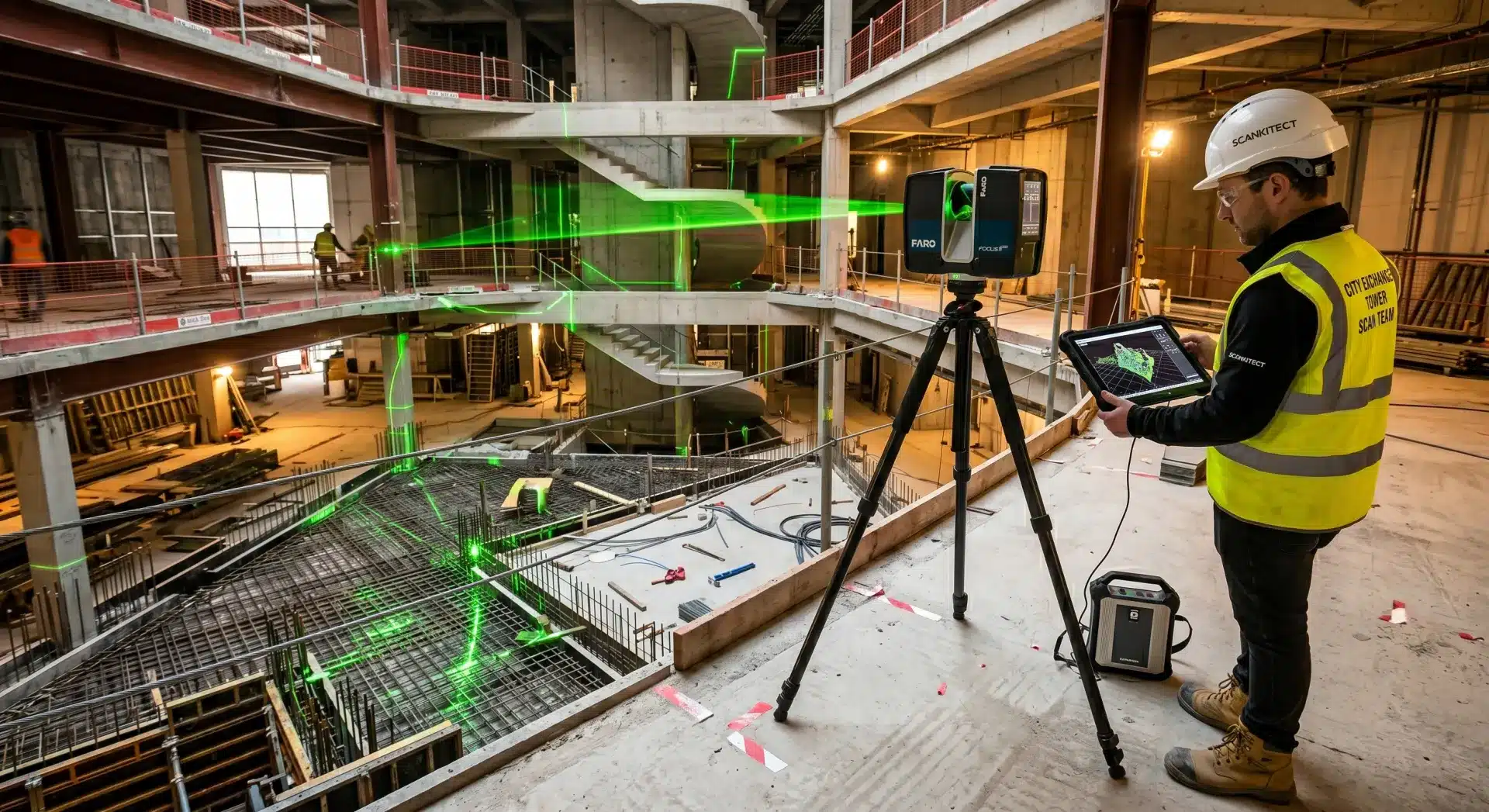
This is where 3D laser scanning becomes essential. By capturing existing site conditions to ±1–3mm accuracy and converting that data into a verified scan-to-BIM model, the input data for clash detection reflects reality rather than assumption.
On renovation or refurbishment projects especially, working from accurate as-built data, rather than outdated drawings, is the difference between a useful coordination model and a misleading one.
Step 2: Model Federation
Individual discipline models (architecture, structure, MEP, civil) are combined into a single federated model in Navisworks or a similar coordination platform.
This allows the BIM clash detection engine to test elements across disciplines, checking whether a structural element clashes with a services element, for example, rather than only checking within a single trade.
Step 3: Running Clash Tests
Clash tests are configured and run for each relevant discipline pairing.
Hard clash tolerances are typically set at 0mm (physical intersection), while soft clash tolerances are set according to project-specific clearance requirements, often 50–150mm depending on the service type and access needs.
The result is a clash report: a prioritised list of conflicts with location data, element IDs, and screenshots from the 3D model.
Step 4: Clash Review and Resolution
Clash reports are reviewed in coordination meetings between disciplines. Each clash is assigned a status (new, active, reviewed, or approved) and a responsible party is nominated for resolution.
Design changes are made, models are updated, and the clash test is re-run to confirm resolution.
On a well-coordinated 15,000 sqm commercial project, this process can eliminate 60–70% of the RFIs that would otherwise emerge during construction, with rework savings typically in the range of $80,000–$180,000.
Step 5: Coordination Sign-Off
Once clashes are resolved to the satisfaction of all disciplines, the coordinated federated model is issued for construction. This model, backed by verified scan data, becomes the single source of truth for the project team.
Why Scan Data Makes Clash Detection More Reliable
Design-stage BIM clash detection works with what’s been modelled. On greenfield projects, that’s straightforward. But on projects involving existing structures (such as extensions, fitouts, infrastructure upgrades, heritage buildings), the original conditions often weren’t modelled with sufficient accuracy to support reliable coordination.
3D scanning for architecture and construction captures the real geometry of a site, like:
- Columns that aren’t quite where the drawings say
- Floor levels that vary across a plate, structural members that deviate from nominal
When this reality-capture data forms the basis of the BIM model, clash detection identifies conflicts that would never appear in a model built from legacy drawings.
The result is a coordination process you can actually trust.

Common Clash Detection Mistakes
- Running tests too late: Clash detection is most valuable during design development, not after construction documentation is complete. The earlier clashes are identified, the cheaper they are to resolve.
- Only checking hard clashes: Soft clashes are frequently overlooked. They tend to surface during commissioning, when access is restricted and remediation is costly.
- Poor model quality going in: A clash report is only useful if the models are accurate. Discipline models built from outdated drawings or rough survey data will generate false positives, clash fatigue, and missed real conflicts.
Partner with Avian for Scan-Backed Coordination
Avian delivers the full workflow: high-accuracy 3D laser scanning, point cloud processing, and BIM model production in Revit, all ready for coordination and clash detection process workflows. Our models are built from verified scan data, which means your coordination team is working with geometry that reflects the actual site, not an approximation of it.
We work across Melbourne, Sydney, and Brisbane with construction teams, engineers, and project managers who need reliable BIM inputs on complex projects.
Ready to reduce your coordination risk?
Contact Avian today on 1300 081 115.