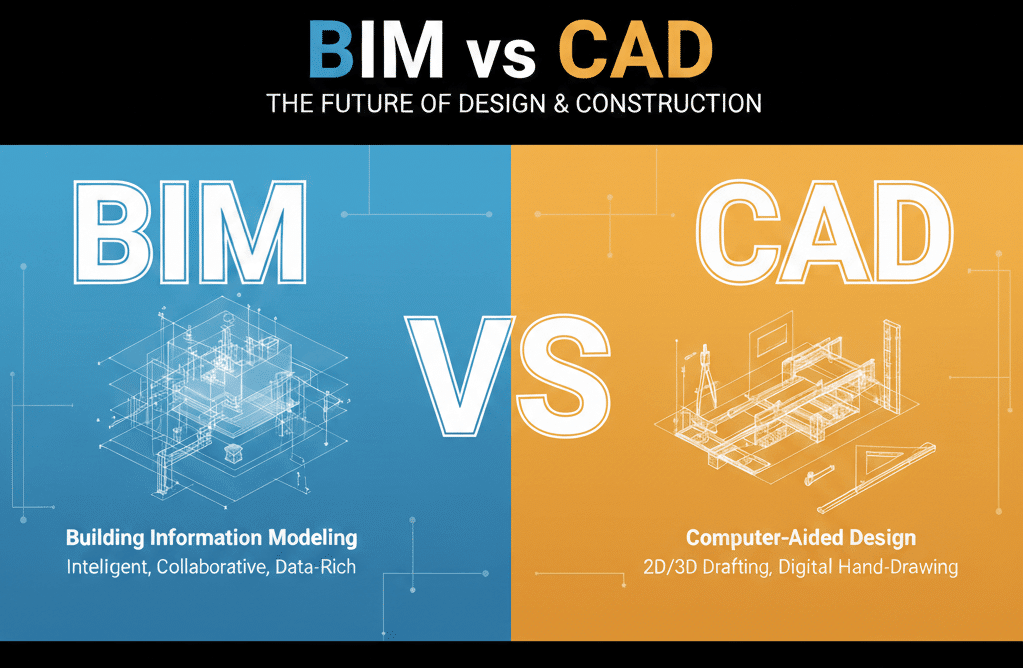
The debate around BIM vs CAD continues across architecture, engineering, and construction projects. While both technologies are used to document buildings and infrastructure, they operate on fundamentally different principles and deliver very different project outcomes.
Traditional CAD focuses on drawing production. BIM focuses on data, coordination, and lifecycle intelligence. Understanding the real differences between AutoCAD vs Revit, and more broadly Revit vs AutoCAD, allows project teams to select the right workflow based on project size, complexity, and long-term value.
This guide provides a clear, side-by-side comparison to help decision-makers determine when BIM delivers measurable advantages, and when traditional CAD still has a place.
Core Technology Differences: BIM vs CAD
Aspect | Traditional 2D CAD | 3D BIM | Advantage |
Data Model | Lines, arcs, and text representing geometry only | Intelligent 3D parametric objects with embedded data | BIM – data-driven |
Coordination Method | Manual overlay checks and visual comparison | Automated clash detection with configurable tolerances | BIM – early conflict detection |
Design Changes | Manual updates across multiple drawings | Single model update propagates to all views | BIM – consistency |
Quantity Extraction | Manual take-offs and spreadsheets | Automated schedules from model data | BIM – accuracy |
Collaboration | File exchanges with version control risk | Cloud-based concurrent modelling | BIM – collaboration |
Visualisation | Separate 3D modelling required | Native 3D views and walkthroughs | BIM – clarity |
Error Detection | Conflicts discovered during construction | Issues identified during design | BIM – risk reduction |
Documentation Updates | Each drawing edited individually | Centralised model controls all outputs | BIM – efficiency |
Lifecycle Value | Limited post-construction use | Digital asset for operations and FM | BIM – long-term value |
Learning Curve | Faster initial adoption | Steeper but more powerful | CAD – short-term |
Software Cost | Lower upfront licensing | Higher investment | CAD – cost |
File Size | Smaller files | Larger model datasets | CAD – storage |
In the BIM vs CAD comparison, BIM’s advantage lies in intelligence and coordination, while CAD remains simpler and cheaper for limited-scope projects.
Workflow Efficiency: AutoCAD vs Revit in Practice
To clearly illustrate the practical differences between AutoCAD vs Revit workflows, it’s important to move beyond theory and examine how each approach performs under real project conditions.
While high-level comparisons often focus on features or software capabilities, the true impact of BIM vs traditional CAD is revealed during design development and construction coordination where time, accuracy, and decision-making directly affect cost and risk.
The following scenario reflects a typical mid-scale commercial building project, where multiple disciplines must coordinate within tight timeframes.
It highlights how workflow structure, information flow, and coordination methods differ between traditional CAD-based delivery and a Revit-based BIM approach. It will also help you to choose the right BIM service provider for your projects
Real-World Scenario between BIM vs CAD
15,000 sqm commercial office building with architectural, structural, and MEP disciplines
Traditional CAD Workflow
Design Development (Approx. 12 weeks)
- Architecture completed first
- Structure follows
- MEP coordinated last
- Manual clash checks identify only a portion of conflicts
Typical Outcomes
- 200-400 RFIs during construction
- 60-120 change orders caused by coordination errors
- 3-6 weeks of construction delays
- Significant rework due to drawing inconsistencies
Documentation Effort: 1,200-1,600 hours
BIM Workflow (Revit-Based)
Design Development (Approx. 7 weeks)
- Architectural, structural, and MEP models developed concurrently
- Automated clash detection identifies conflicts early
- Documentation extracted directly from the coordinated model
Typical Outcomes
- 60-70% reduction in RFIs
- Fewer coordination-related change orders
- Minimal construction delays
- Model-driven consistency across all drawings
Documentation Effort: 700-950 hours
In Revit vs AutoCAD workflows, BIM enables parallel progress rather than sequential bottlenecks.

Cost–Benefit Analysis: BIM vs CAD
Investment Comparison (15,000 sqm commercial project)
Cost Category | Traditional CAD | BIM Approach | Impact |
Design Documentation | $80k–$120k | $52.5k–$71.25k | Savings |
Coordination | $15k–$25k | $45k–$70k | Higher upfront |
Software | $2k–$4k | $12k–$18k | Higher investment |
Change Orders | $150k–$400k | $30k–$90k | Major reduction |
Schedule Delays | $60k–$180k | $0–$30k | Avoided |
RFIs | $30k–$60k | $12k–$24k | Reduced |
Total Project Cost
- CAD: $337k-$789k
- BIM: $151k-$273k
Overall Savings: 55-65%
Despite higher upfront coordination costs, BIM consistently delivers a strong ROI through error prevention and schedule certainty, a key conclusion in any serious BIM vs. CAD evaluation.
When Traditional CAD Still Makes Sense
While BIM delivers clear advantages, CAD remains appropriate in certain situations:
- Small projects under 500 sqm with minimal services
- Simple interior refurbishments
- Civil or landscape drawings requiring 2D outputs only
- Early conceptual design phases
- Minor updates to legacy CAD documentation
- Projects with extremely constrained budgets
Understanding AutoCAD vs Revit isn’t about replacement but suitability.
Hybrid CAD + BIM Workflows
Some projects benefit from a combined approach:
- Site data documented in CAD
- Building systems modelled in BIM
- Integration via shared coordinates and reference files
This approach is commonly used where land surveying and civil design remain CAD-based while buildings require BIM coordination.
BIM Beyond Design: Reality Capture Integration
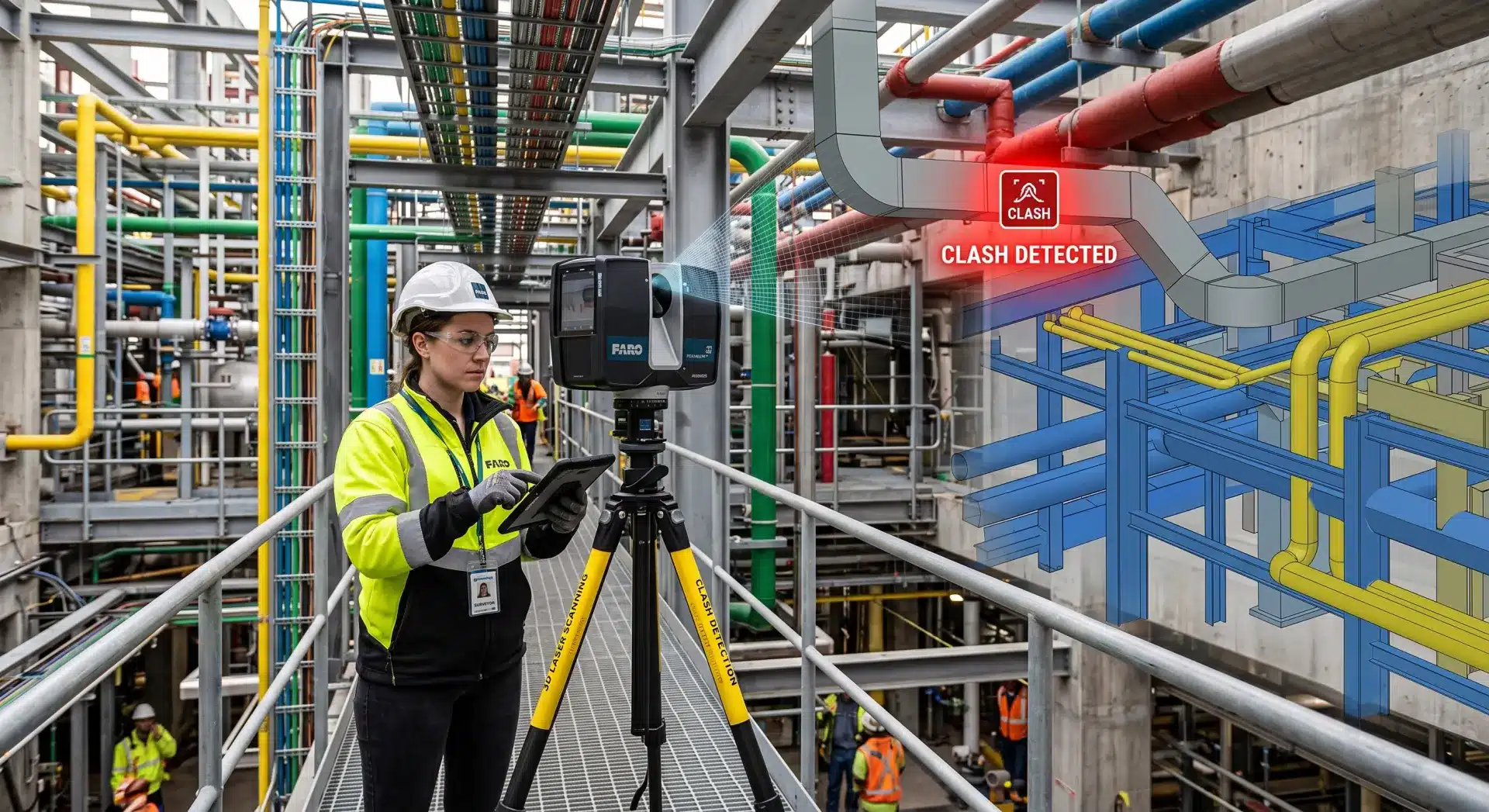
Modern BIM workflows are increasingly enhanced by 3D laser scanning, allowing accurate modelling of existing conditions and improved design certainty. This integration is especially valuable for renovations, heritage buildings, and complex sites.
When paired with BIM, reality capture reduces assumptions and supports higher accuracy throughout the project lifecycle.
Choosing the Right Workflow
Avian recommends BIM for projects that:
- Exceed 3,000 sqm
- Involve multiple disciplines
- Require accurate coordination
- Benefit from lifecycle data and digital asset management
For simpler scopes, CAD may still be appropriate, but as organisations mature, BIM often delivers long-term value even on smaller projects.
As part of Avian’s broader BIM services, we maintain expertise across both BIM and CAD workflows, allowing us to recommend the solution that delivers the best outcome, not the most expensive one.
Making the Right Choice: BIM vs CAD for Your Project
The BIM vs CAD discussion is about measurable outcomes. When comparing Revit vs AutoCAD, BIM consistently outperforms traditional CAD on complex projects through coordination, efficiency, and risk reduction.
Whether supported by reality capture, site data, or existing documentation, choosing the right workflow can significantly impact cost, timeline, and build quality.
For an honest assessment of whether BIM or CAD is right for your project, Avian provides independent, experience-driven advice supported by real-world delivery across Australia.